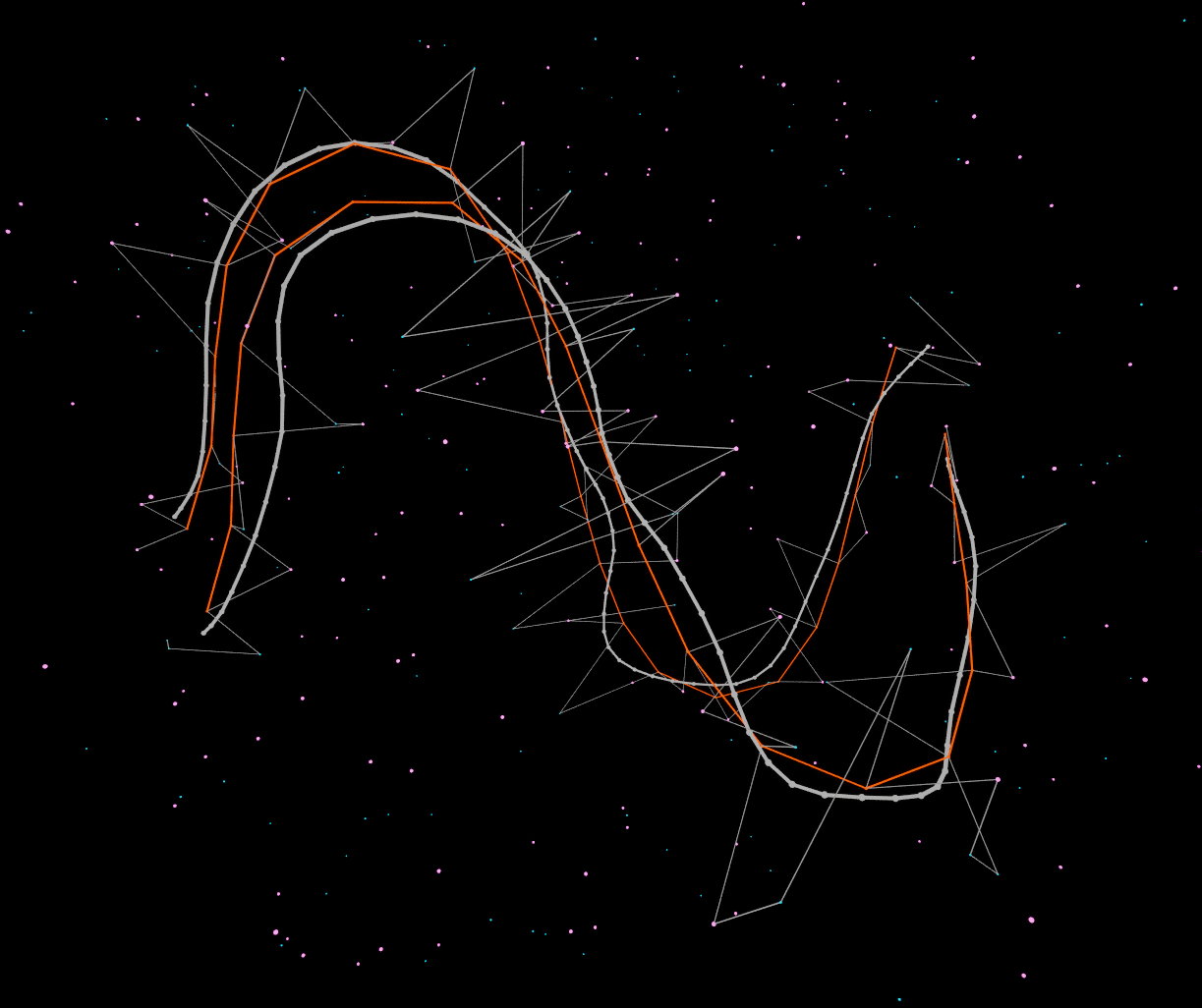
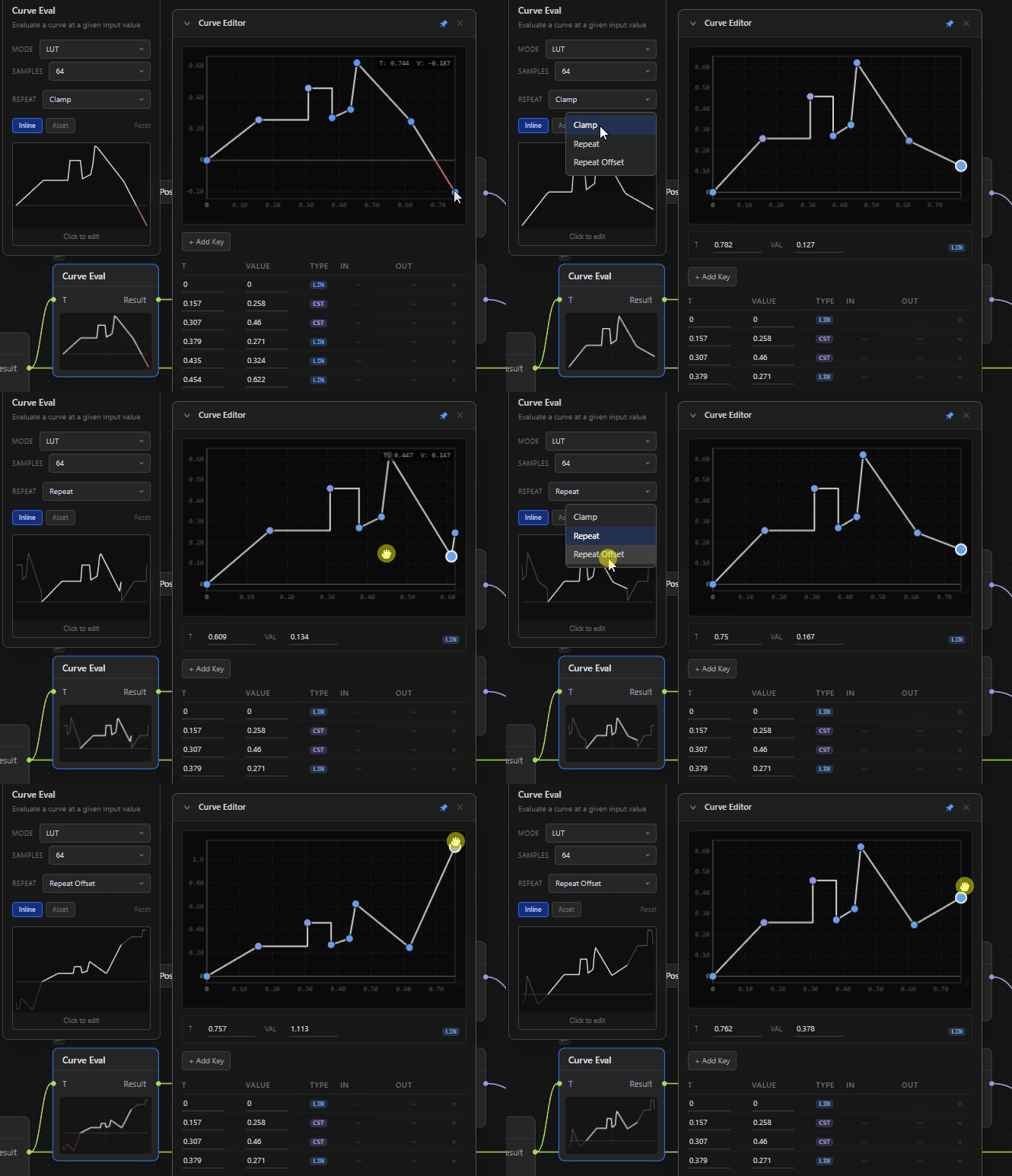
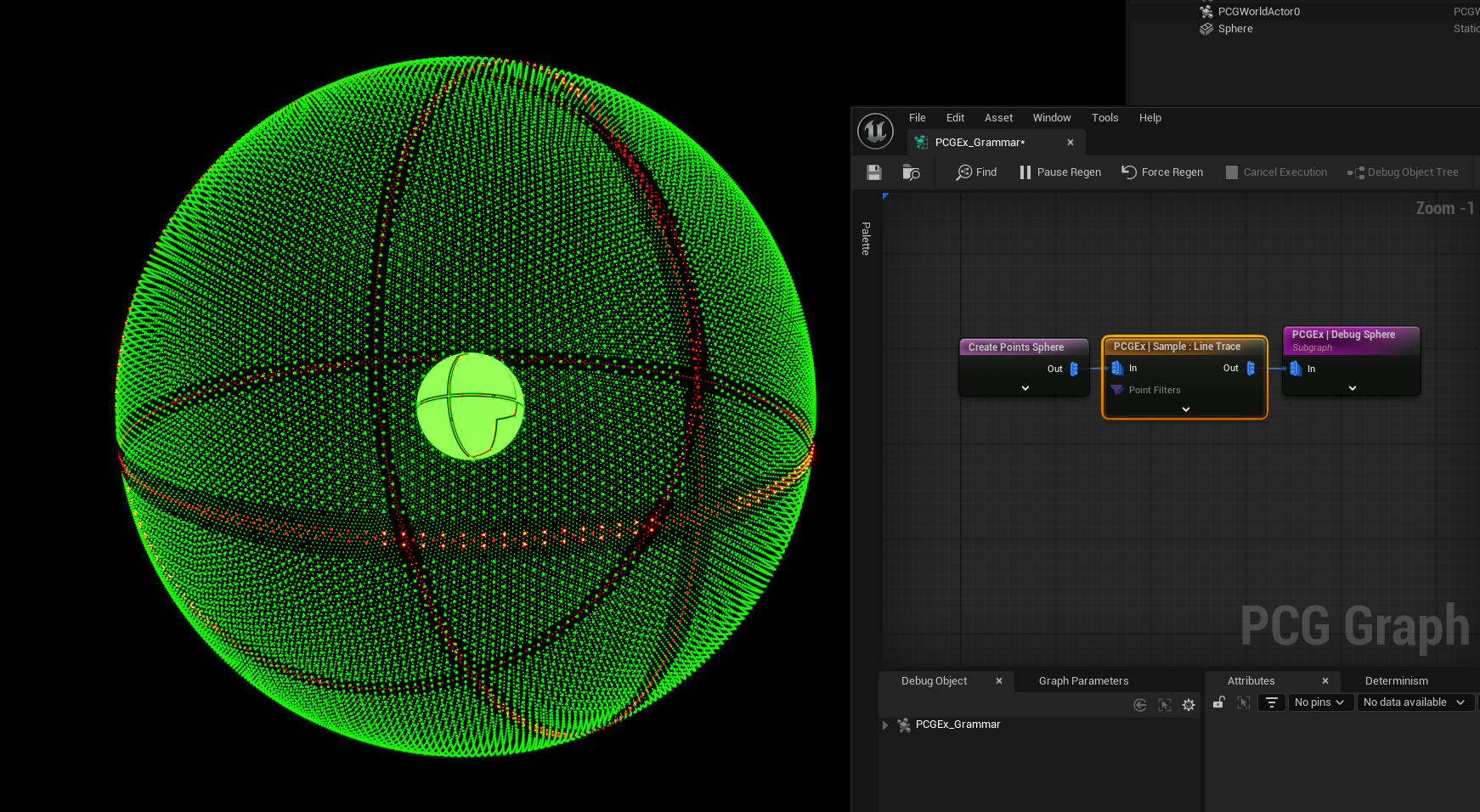
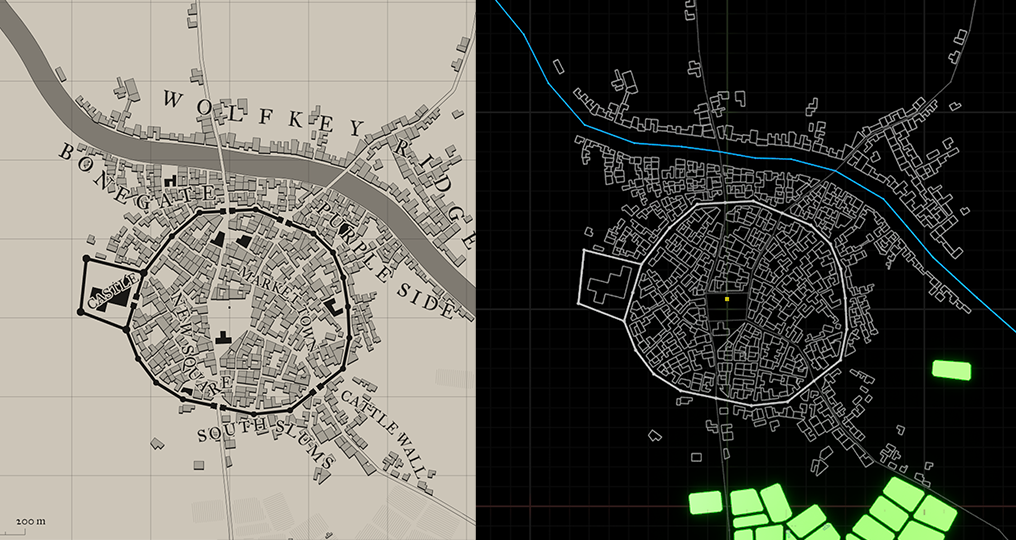
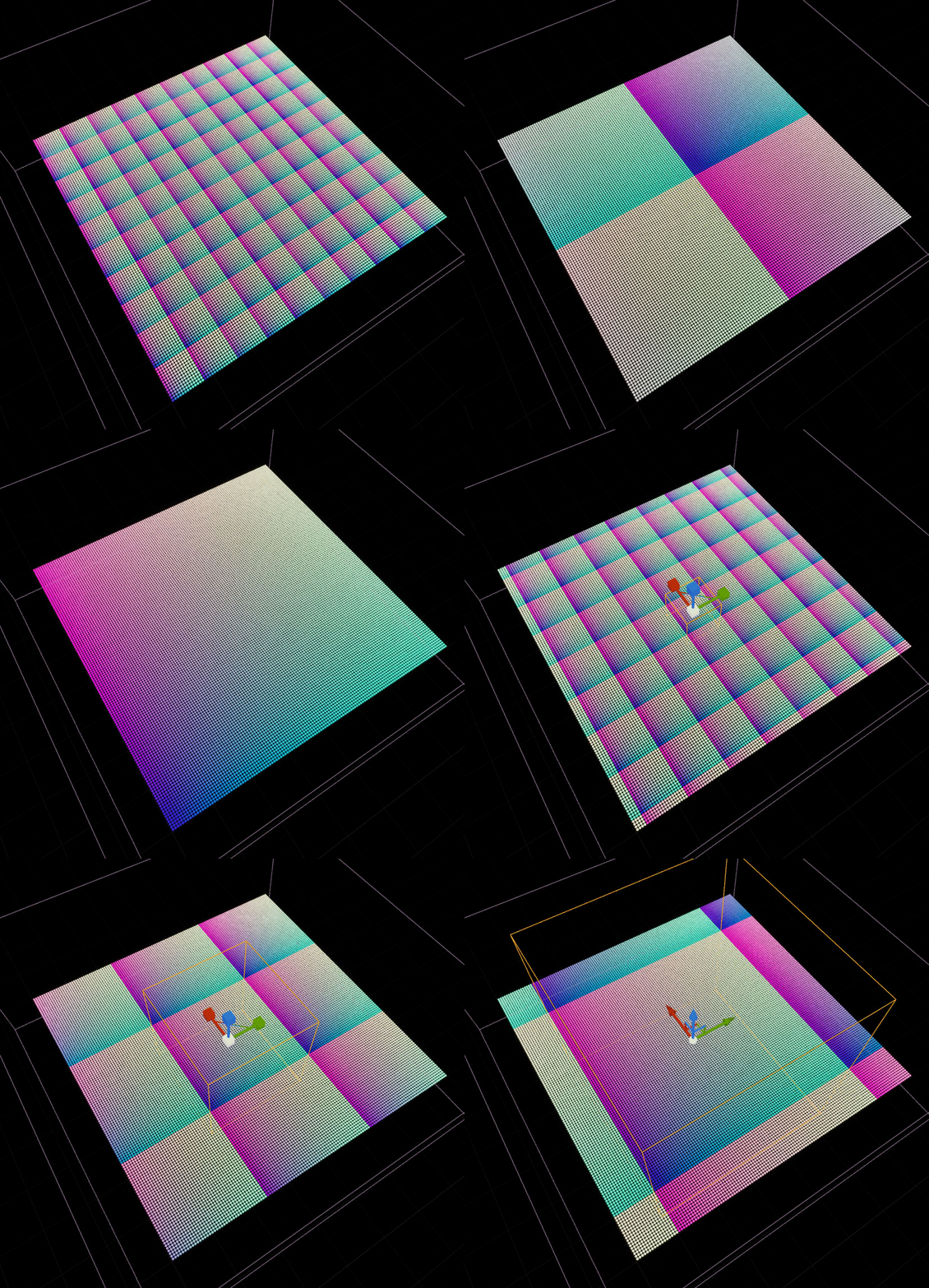
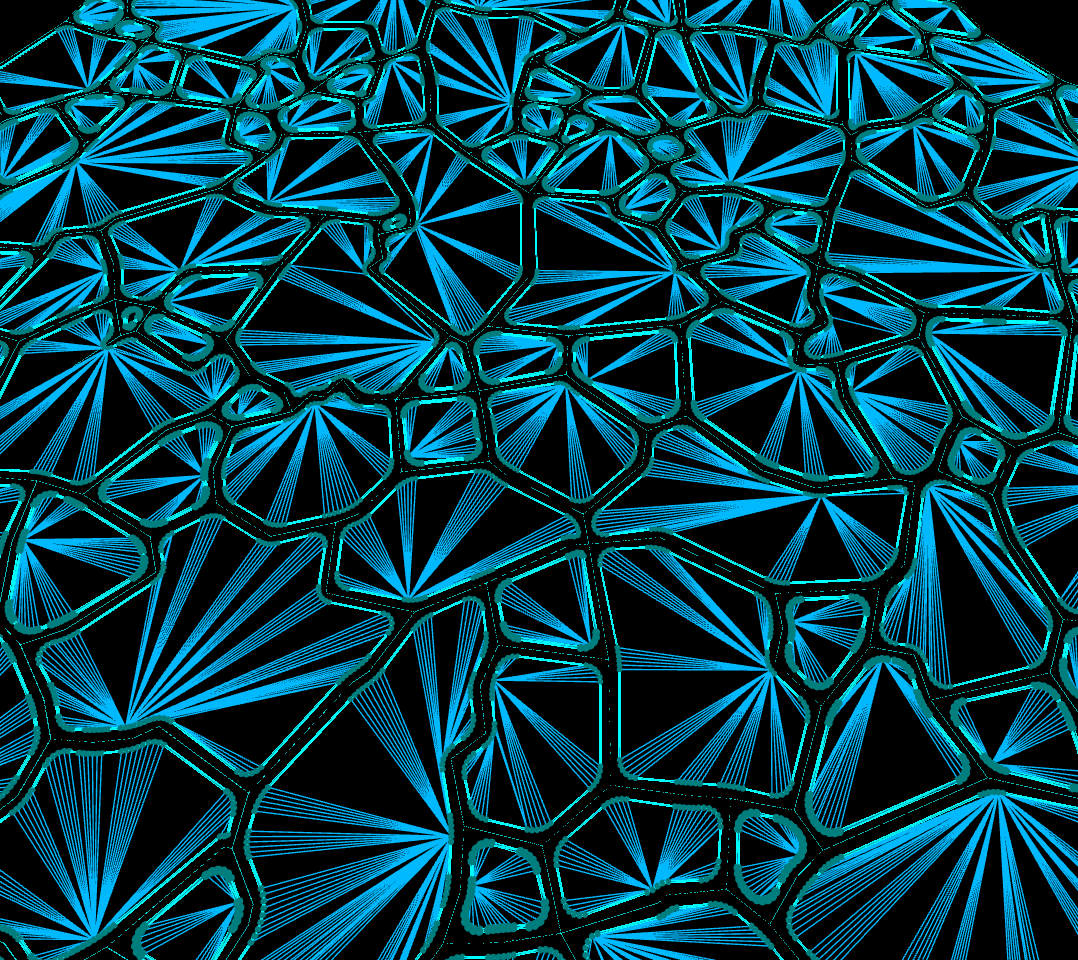
Connect Claude, Cursor, or Cline to Unreal Engine 5's PCG system via TCP. Describe the graph. Claude authors the topology. The engine builds it live.
A TCP bridge connects Claude directly to your running UE5 editor. Graphs are created as real UE assets — no copy-paste, no JSON files to manage.
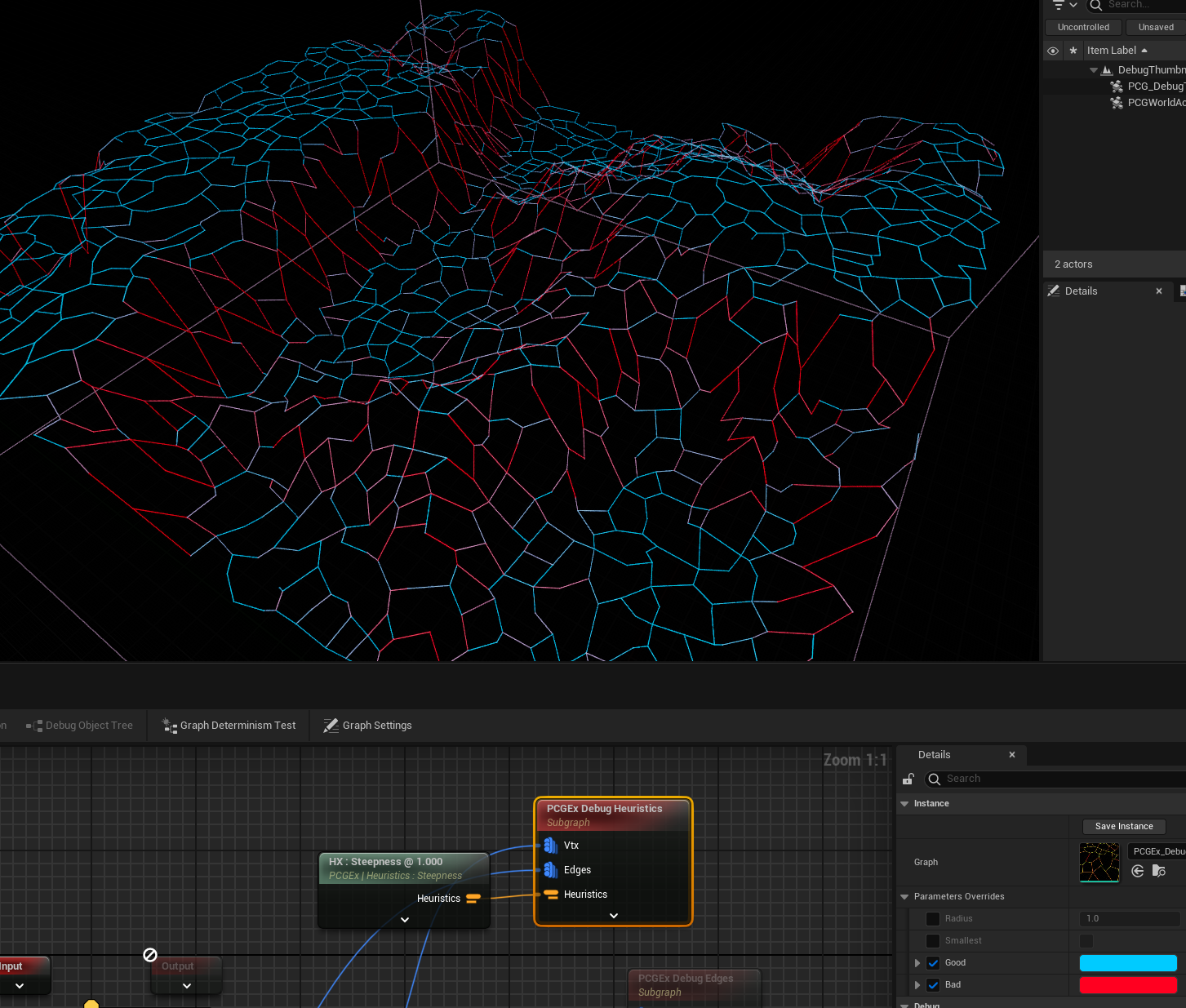
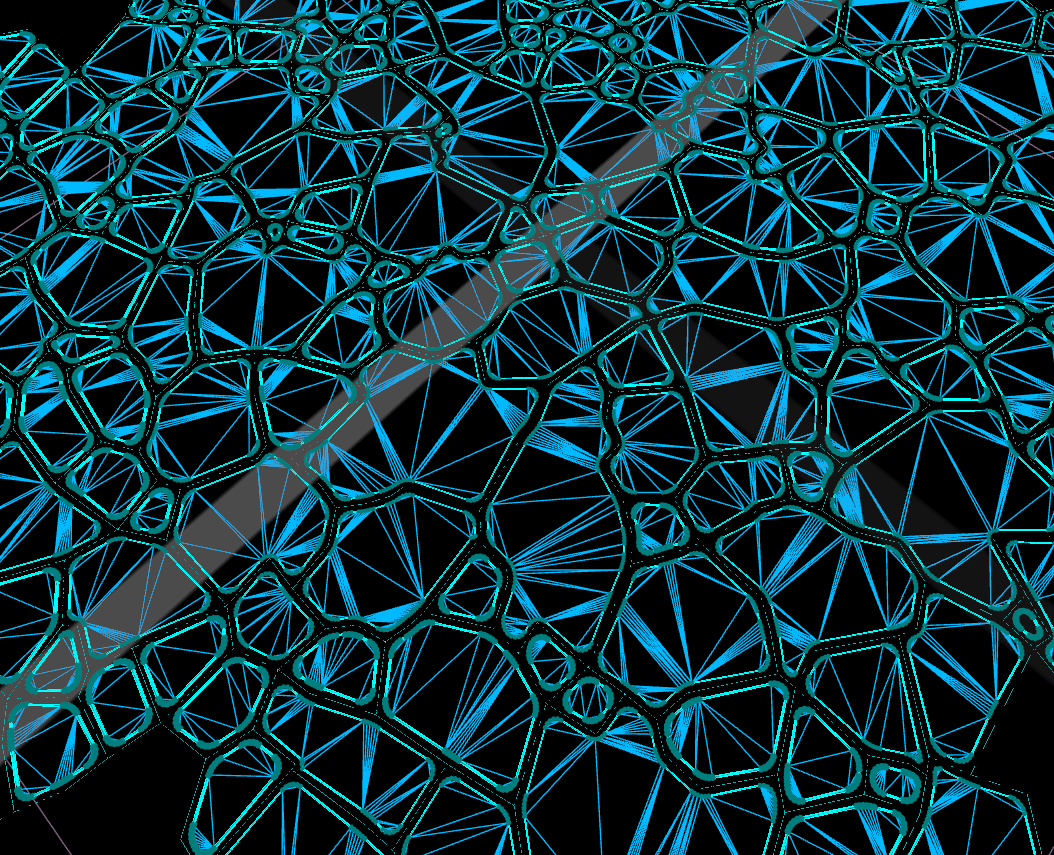
Powered by PCGExtendedToolkit. Delaunay, Voronoi, pathfinding, cluster operations — the full PCGEx node catalog is available to Claude.
Create, validate, export, execute — complete graph lifecycle from a conversation. Claude authors the topology, you approve and run it.
A dockable Slate panel lives inside your UE5 editor. Chat with the AI, preview graphs, and one-click create assets — without leaving Unreal.
Node graphs, scatter systems, dynamic worlds — PCGEx turns AI prompts into working UE5 blueprints.
Node Graph
Point Scatter
Hex Grid
Edge Network
3D Clusters
Delaunay Mesh
Graph Logic
Spline Path
Voronoi Field
Point Cloud
Live Build
Node Graph
Point Scatter
Hex Grid
Edge Network
3D Clusters
Delaunay Mesh
Graph Logic
Spline Path
Voronoi Field
Point Cloud
Live Build
Mesh Output
Data Flow
Graph Wiring
Cluster Points
Fractal Noise
PCG Output
Node Logic
Circuit Pattern
Scatter Field
Path Network
Graph Build
Mesh Output
Data Flow
Graph Wiring
Cluster Points
Fractal Noise
PCG Output
Node Logic
Circuit Pattern
Scatter Field
Path Network
Graph BuildHaybaPCGEx bridges Claude's MCP tools to your running UE5 editor via a lightweight TCP connection. The MCP server translates natural-language graph requests into live UE API calls — no plugin configuration beyond one console command.
In Claude Desktop or Claude Code: "Build a forest path network using Delaunay triangulation with hull marking." No node names, no JSON — just describe the result you want.
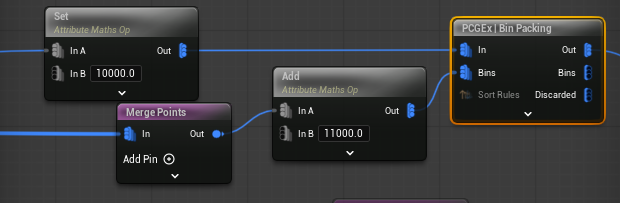
Claude calls search_node_catalog() to find matching PCGEx nodes, then calls validate_pcg_graph() to verify the topology before creation — catching pin mismatches before they reach UE.
create_pcg_graph() sends the graph over TCP to the UE5 plugin. Nodes are instantiated via the PCG C++ API, positioned automatically, and saved as a .uasset in your Content Browser.
execute_pcg_graph() triggers execution on any PCGComponent referencing the graph. export_pcg_graph() exports the full topology back to JSON for inspection or modification.
Claude has access to all 8 tools. It searches the node catalog, validates topology, creates assets, and exports results — all from a single conversation with full context about your project's existing PCG graphs.
A dockable panel lives directly inside your UE5 editor. Chat with the wizard, preview generated graphs, and click Create to materialize them as UE assets — all without switching to another window.
Clone PCGExBridge into your project's Plugins folder. UE5 will compile it on next launch.
Requires Unreal Engine 5.7 and PCGExtendedToolkit plugin
Register the HaybaPCGEx MCP server with Claude Code. This connects Claude to the running UE5 editor.
Open your project in UE5. The PCGExBridge plugin starts automatically. Open the wizard panel with:
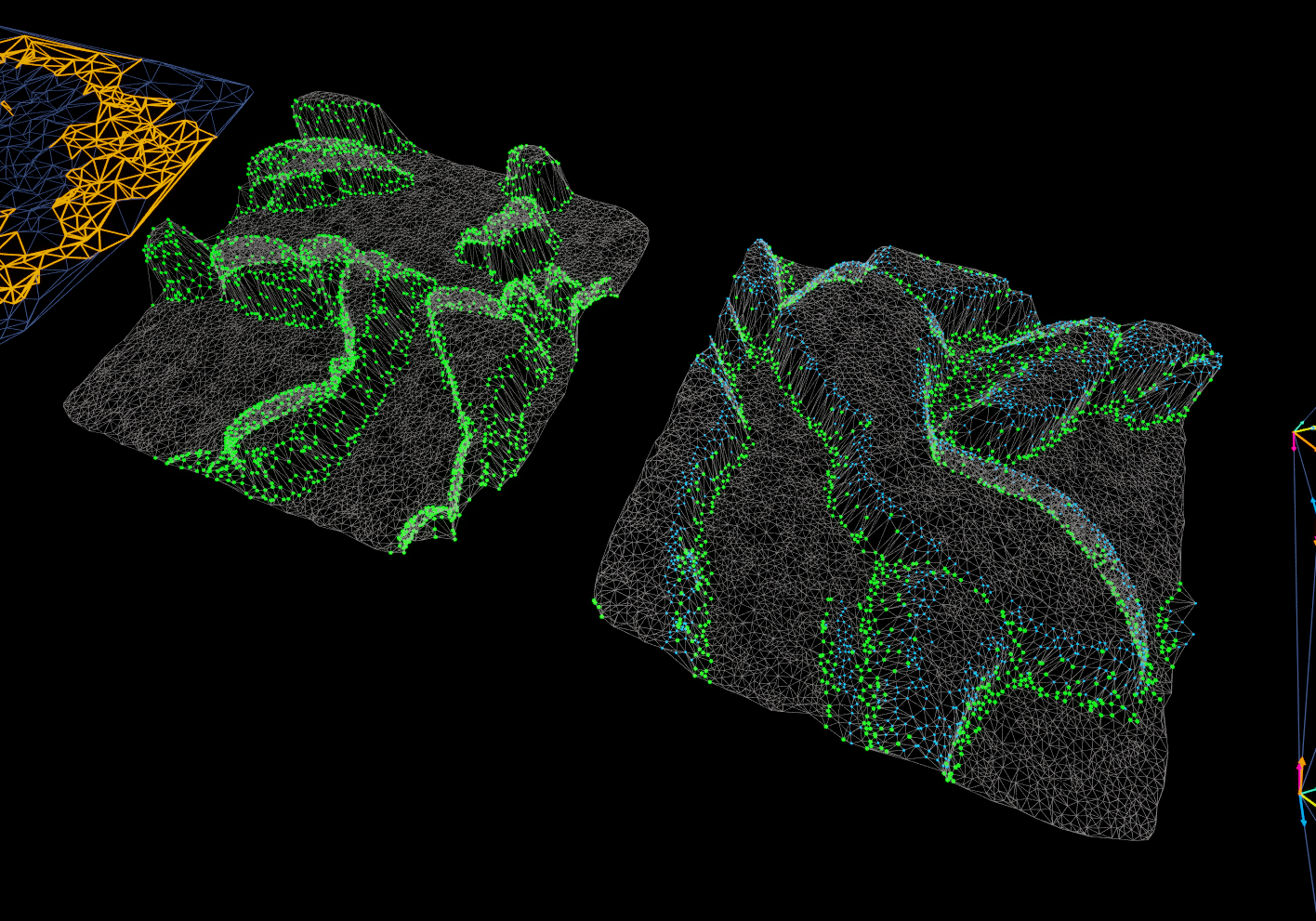
queryclasspath?graphname, graphassetPathassetPathDelaunay triangulation over landscape points → prune with Urquhart → mark hull → output spline-ready edges for road placement.
Surface sampler → density filter → random transform → cluster operations to avoid overlapping placements across any terrain.
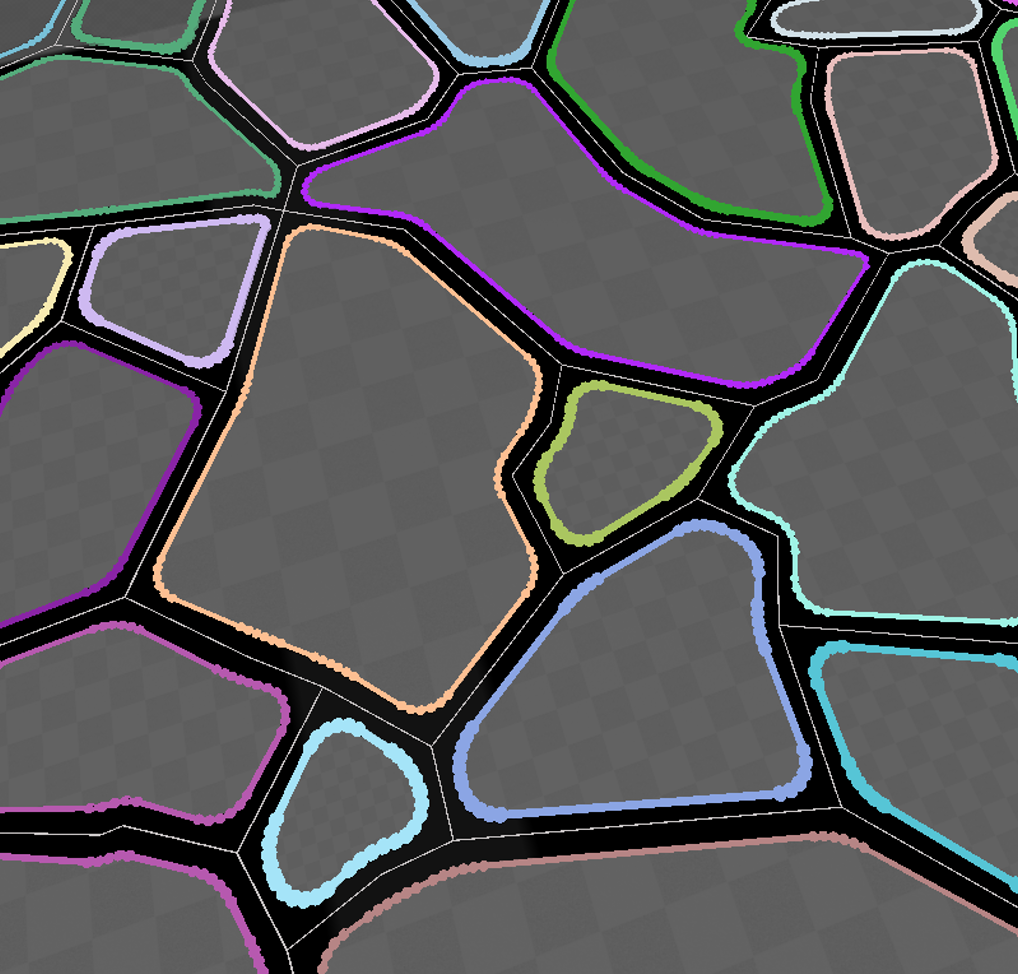
Voronoi cells → select connected rooms → pathfind corridors between centroids → output as splines or static meshes.
Grid subdivision → parcel splitting → facade orientation from road normals → building footprint output ready for instancing.
Export any existing PCG asset back to JSON, describe changes, and Claude creates an updated version — preserving your manual tweaks.
Validate topology before creation to catch pin mismatches early. Iterate in the wizard panel without leaving UE5.
AI-authored PCG graphs inside Unreal Engine 5. Free, open source, MIT licensed.