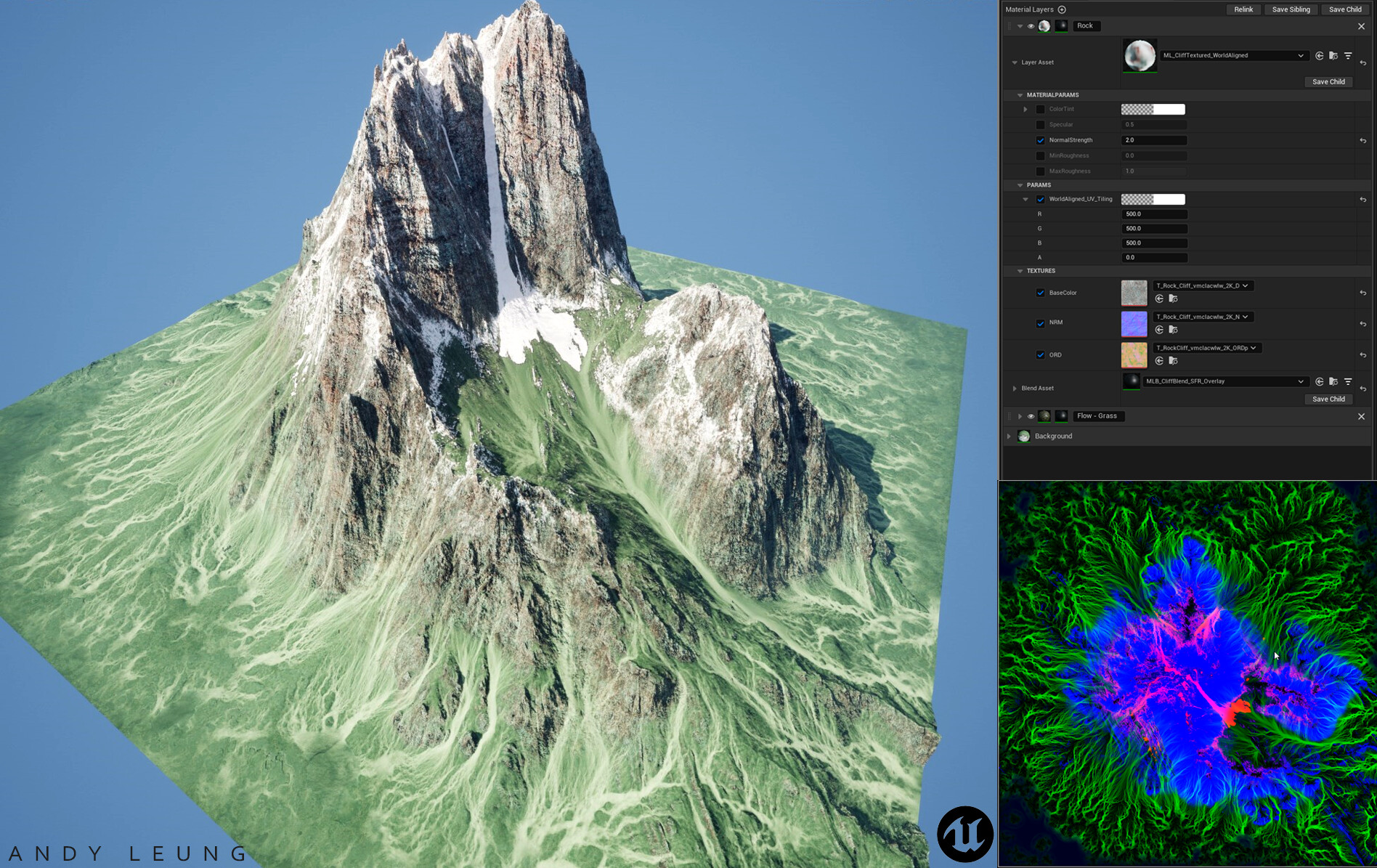
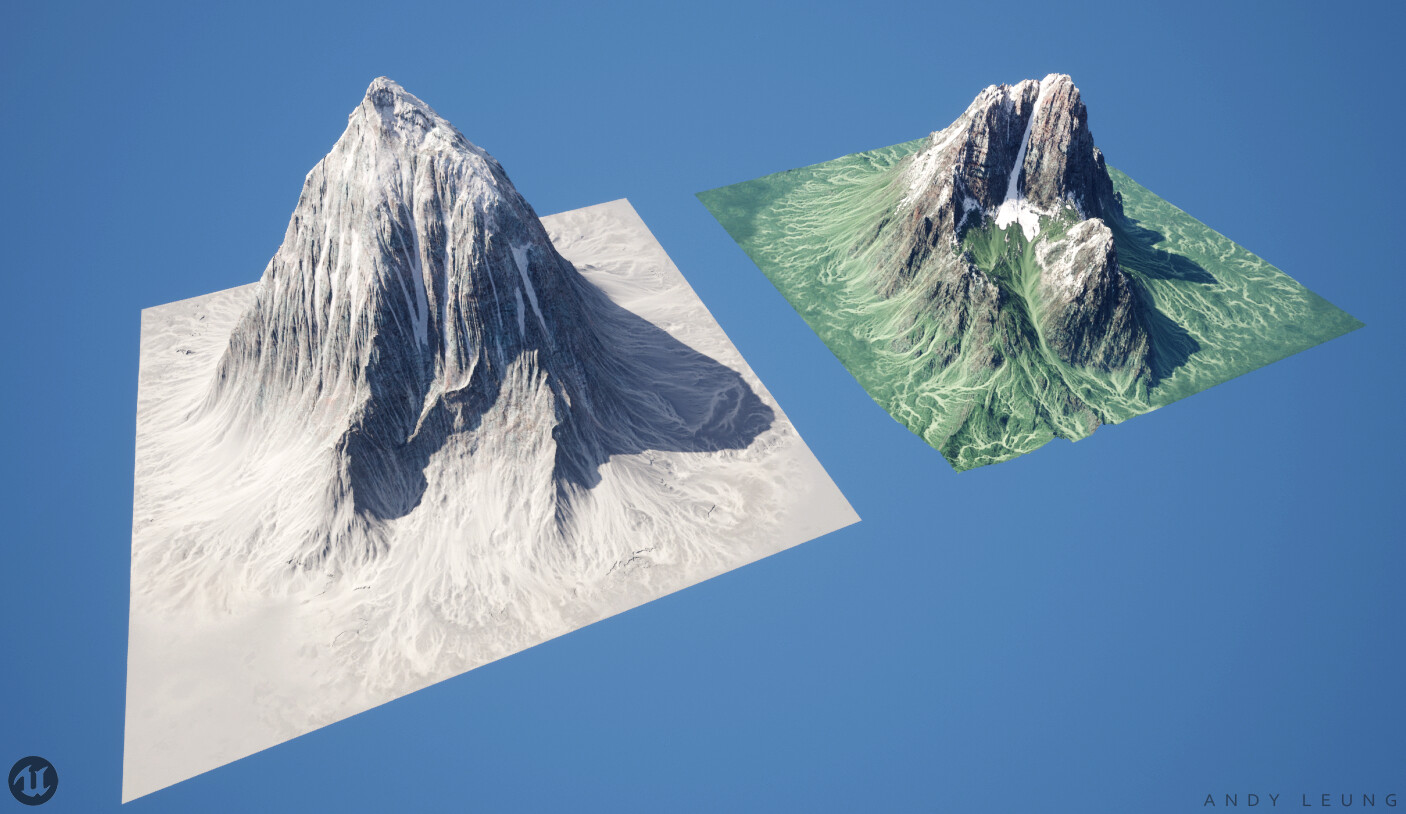
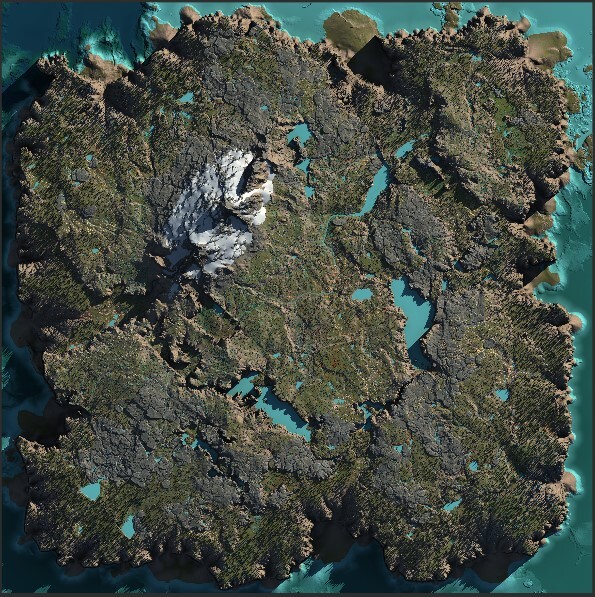
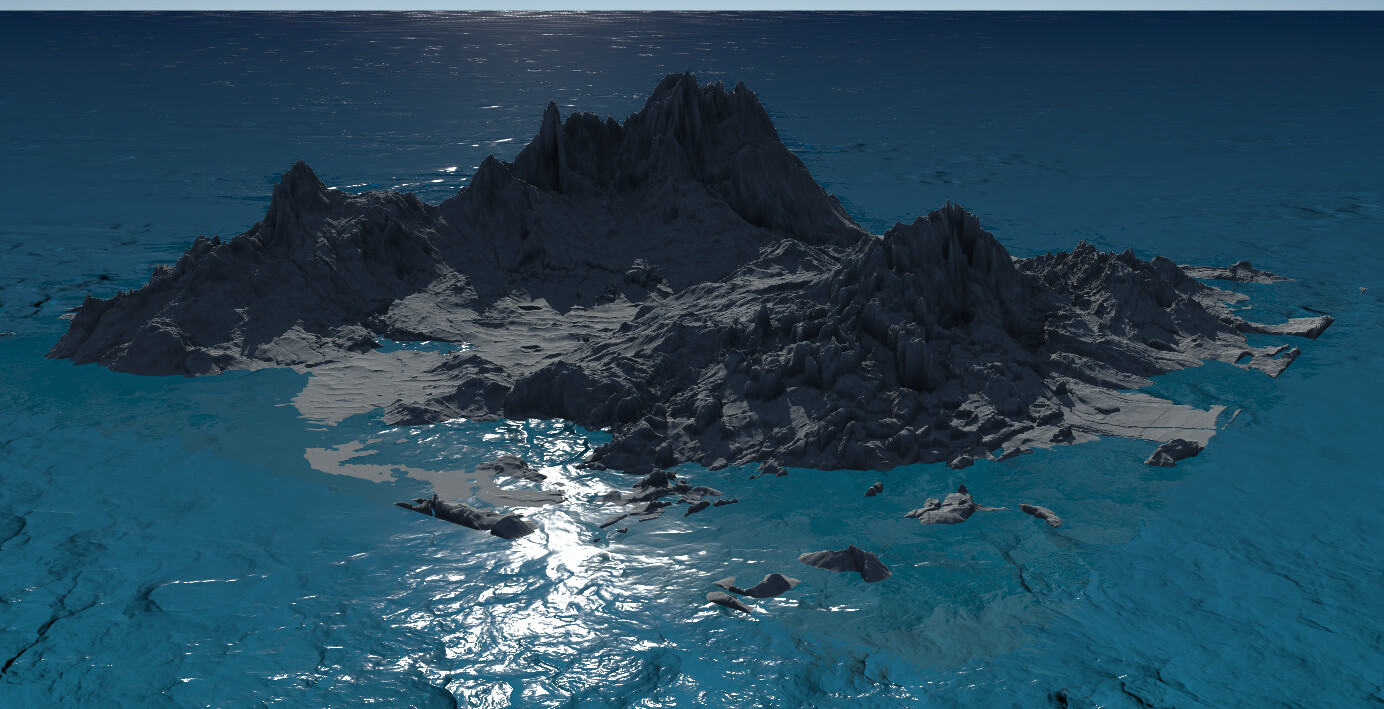
Connect Claude, Cursor, or Cline to Gaea's build engine. One sentence summons a full terrain graph — mountains, erosion, rivers — cooked and exported to Unreal Engine.
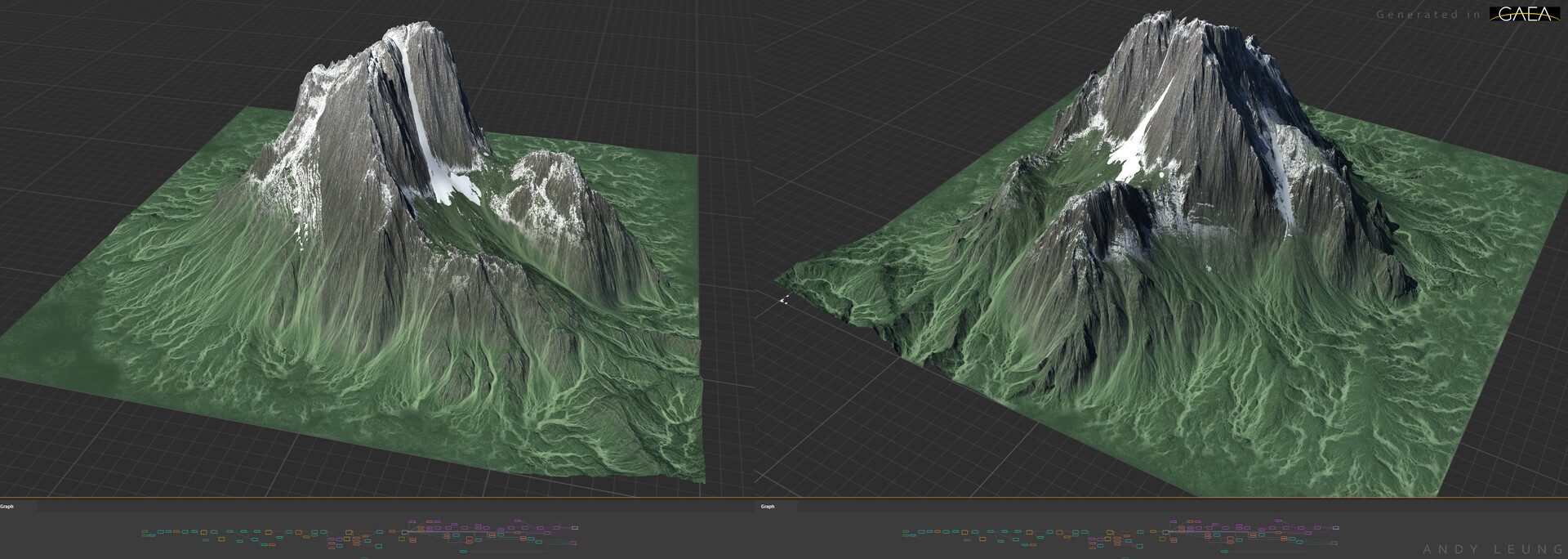
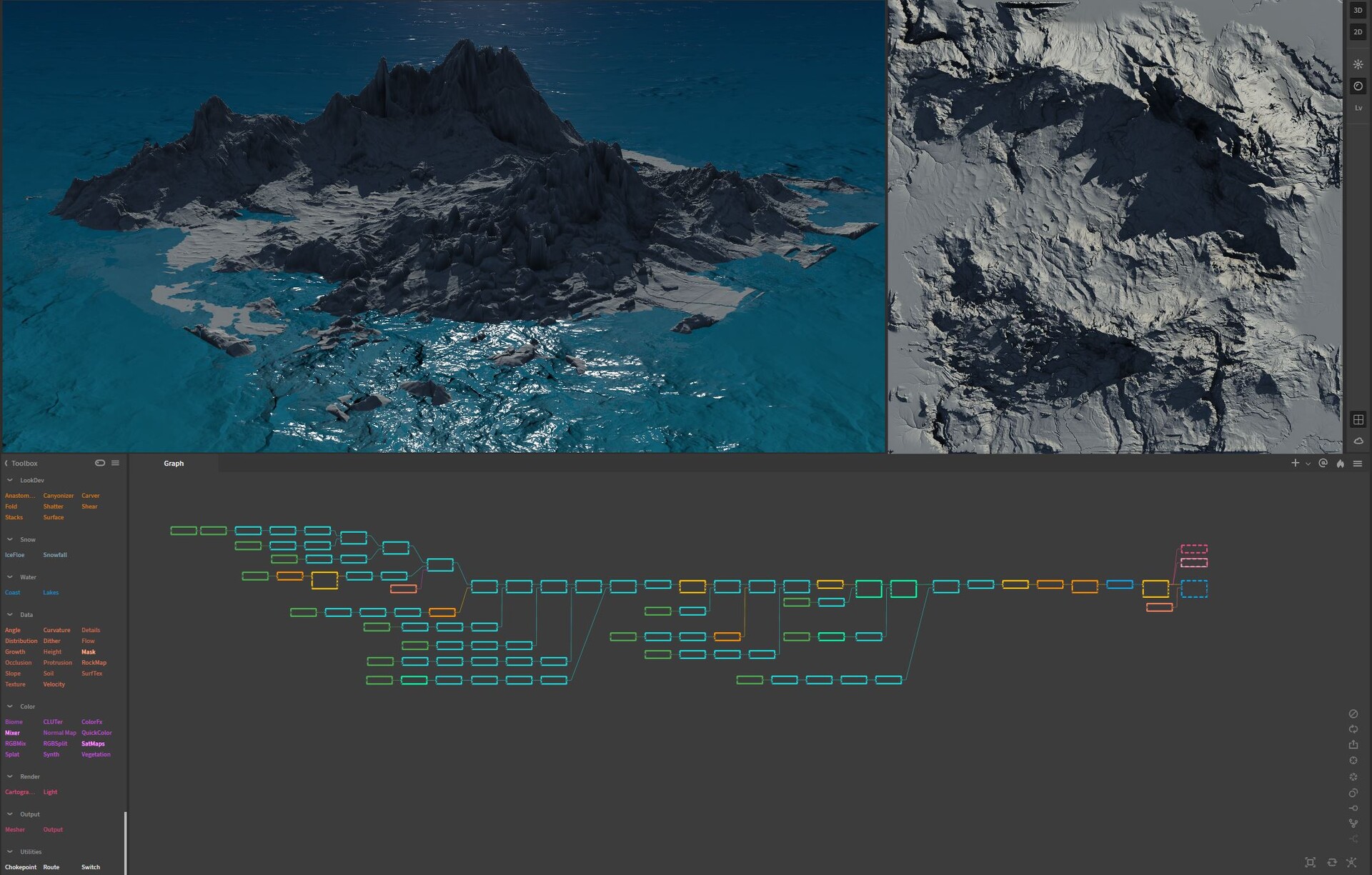
Nodes appear in Gaea's graph in real-time as Claude adds them. No export, no import — Gaea auto-reloads on every change.
No Gaea window needed. Describe a terrain, get a heightmap on disk in seconds. Ideal for pipelines.
Open, add, connect, remove, tweak, cook — all from natural language. The AI handles graph topology.
Claude Desktop, Claude Code, Cursor, Cline. One installer. Cross-platform. Done in under a minute.
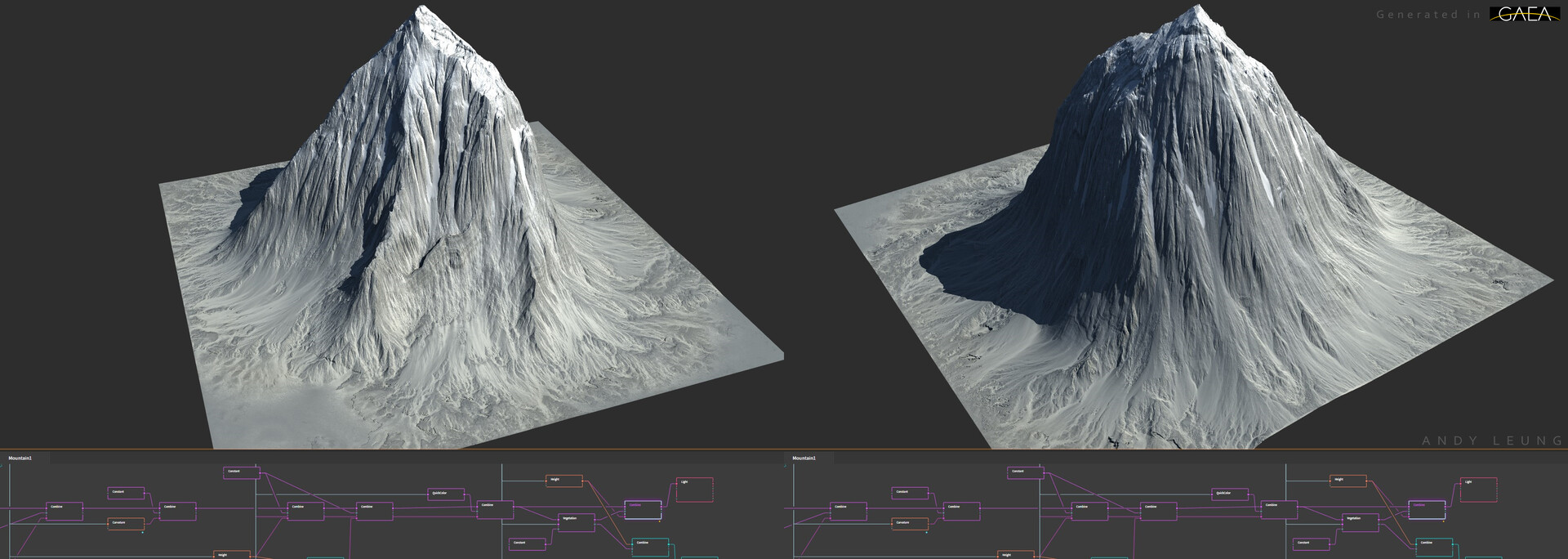
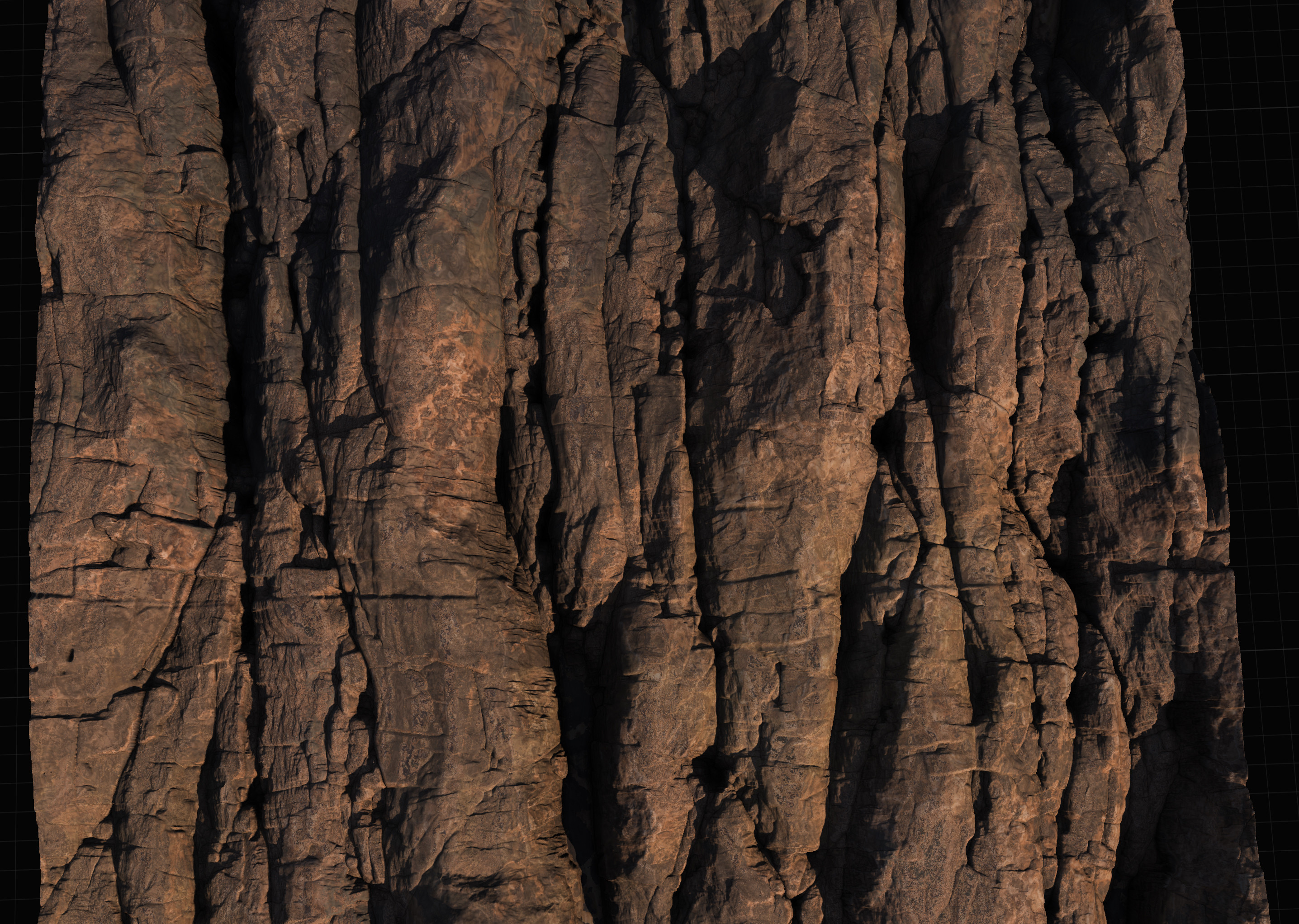
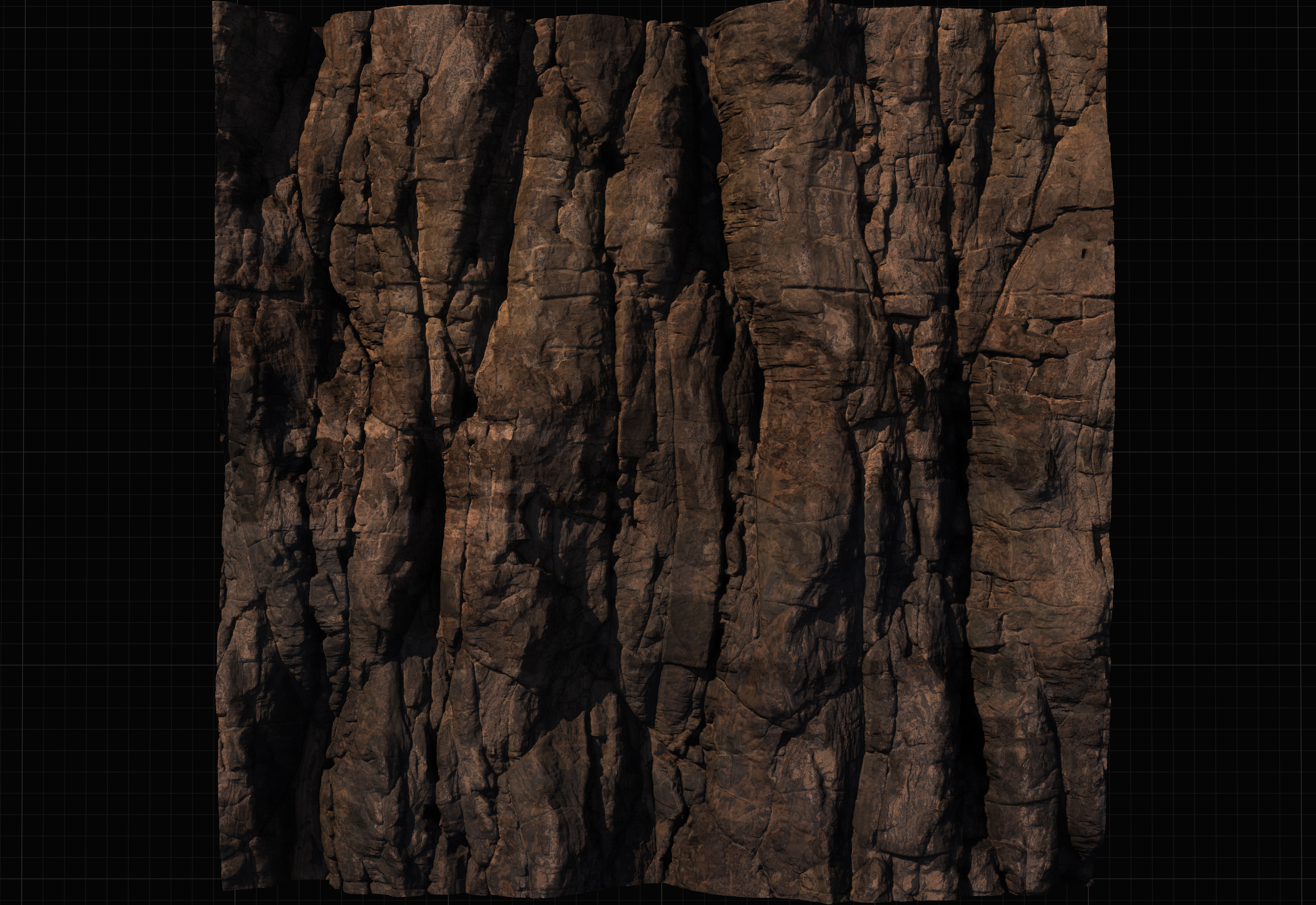
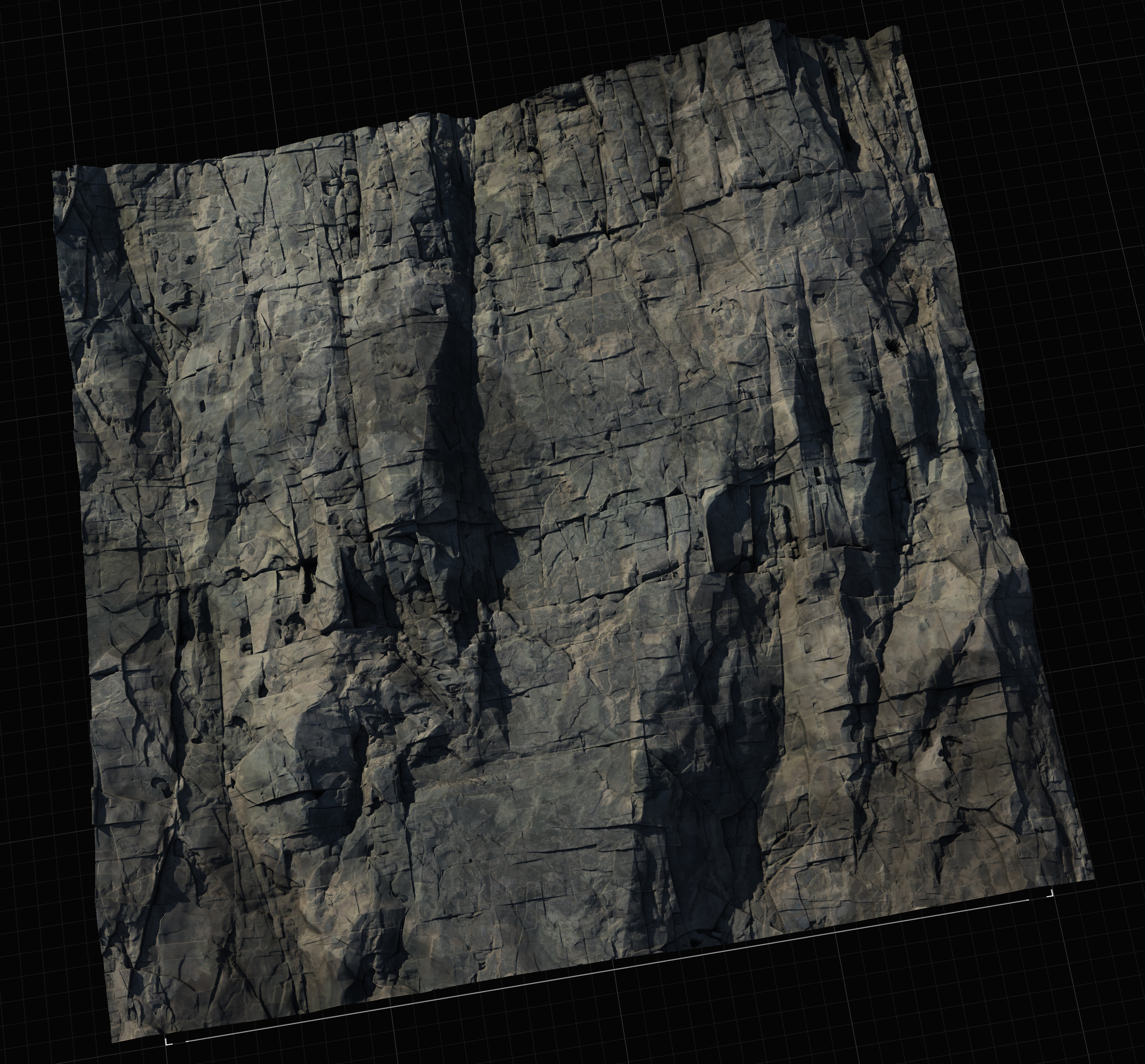
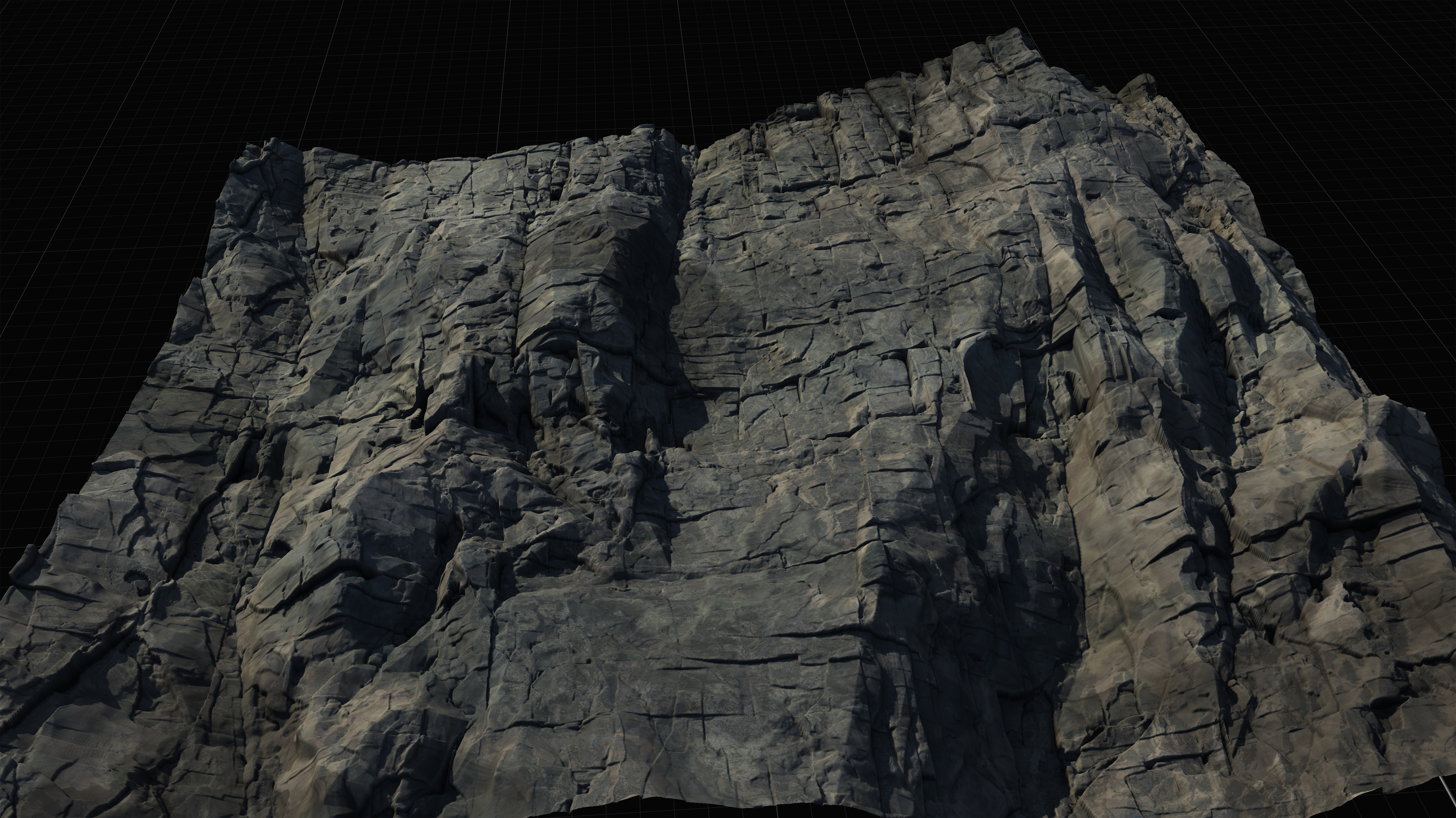
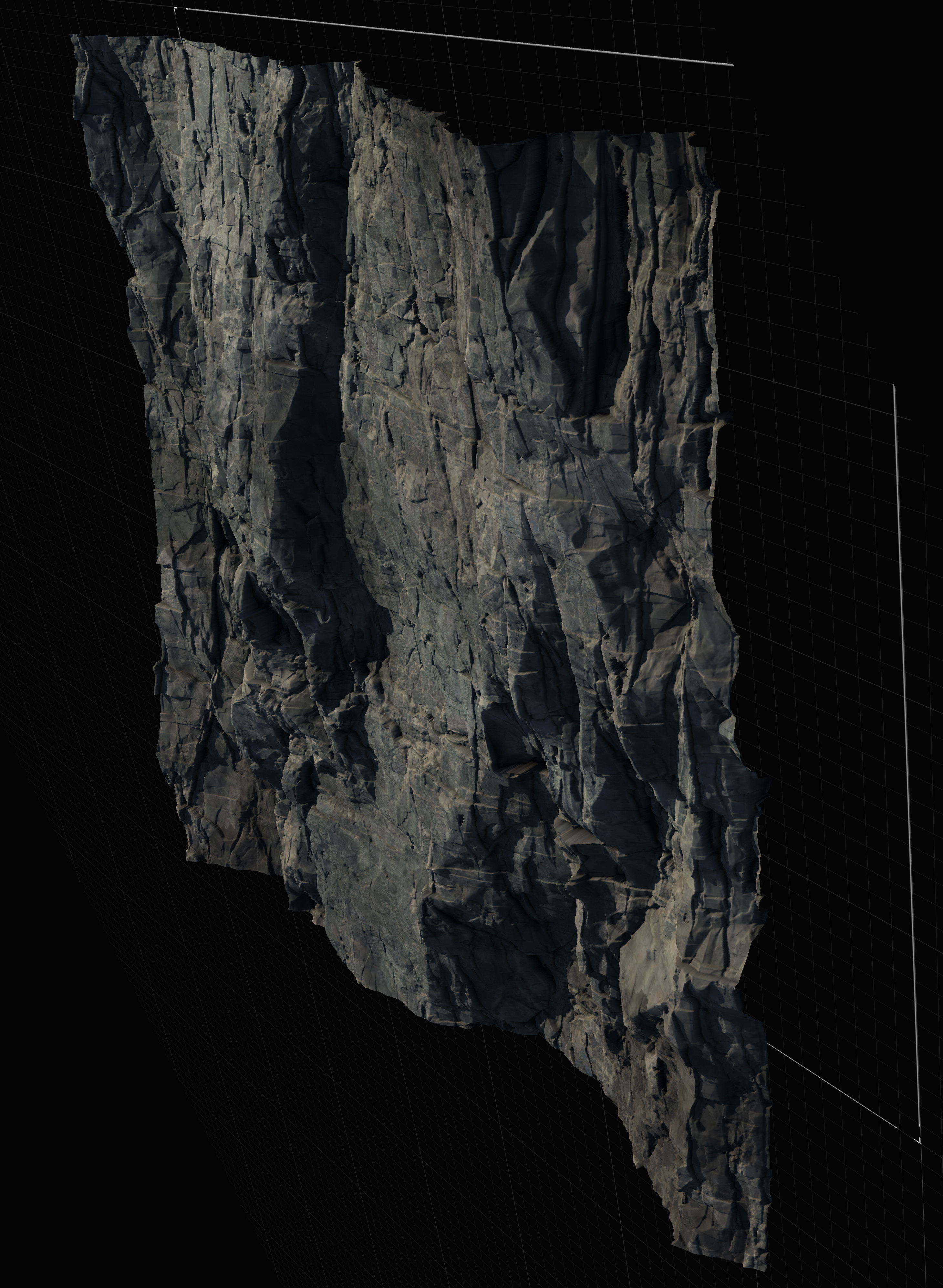
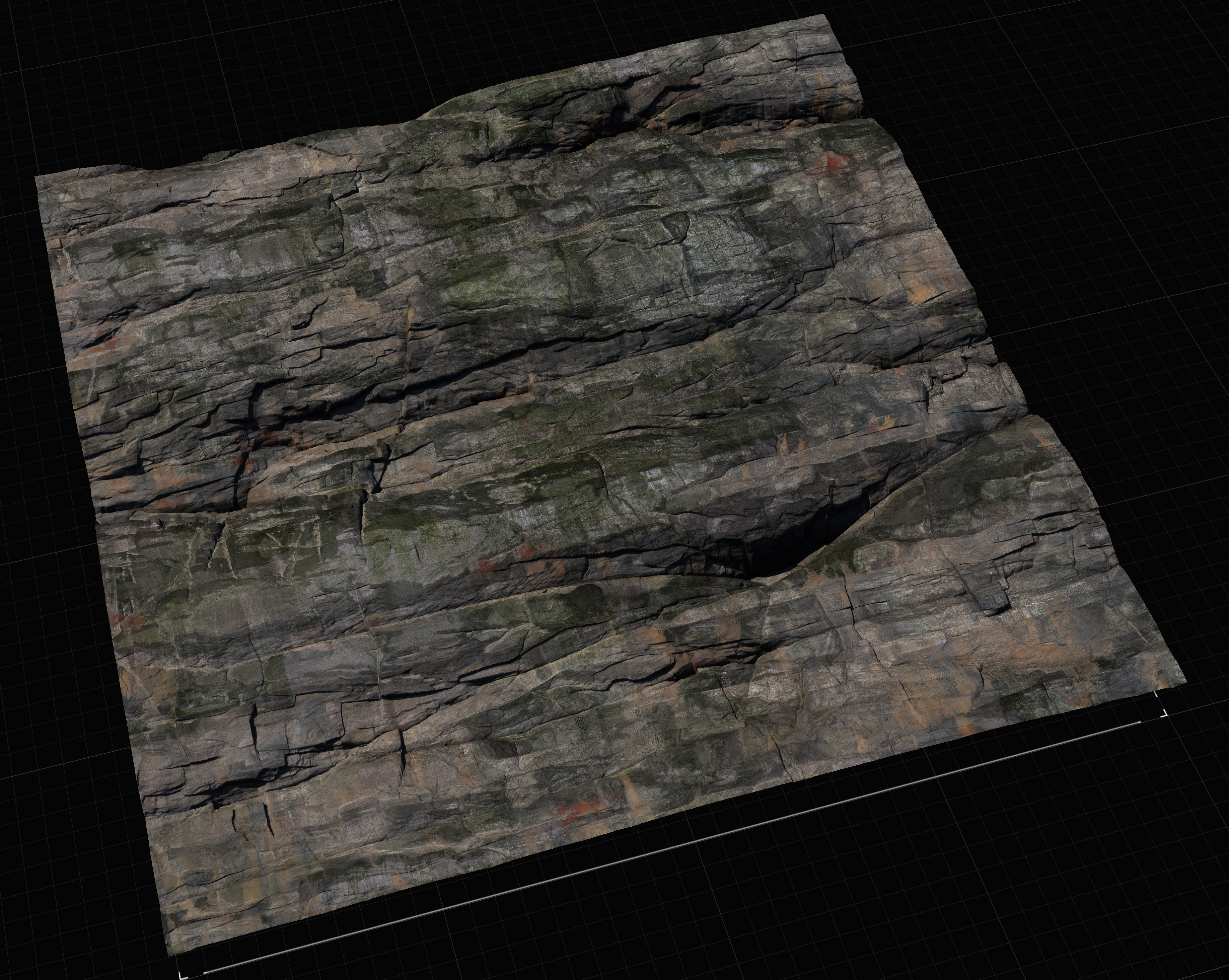
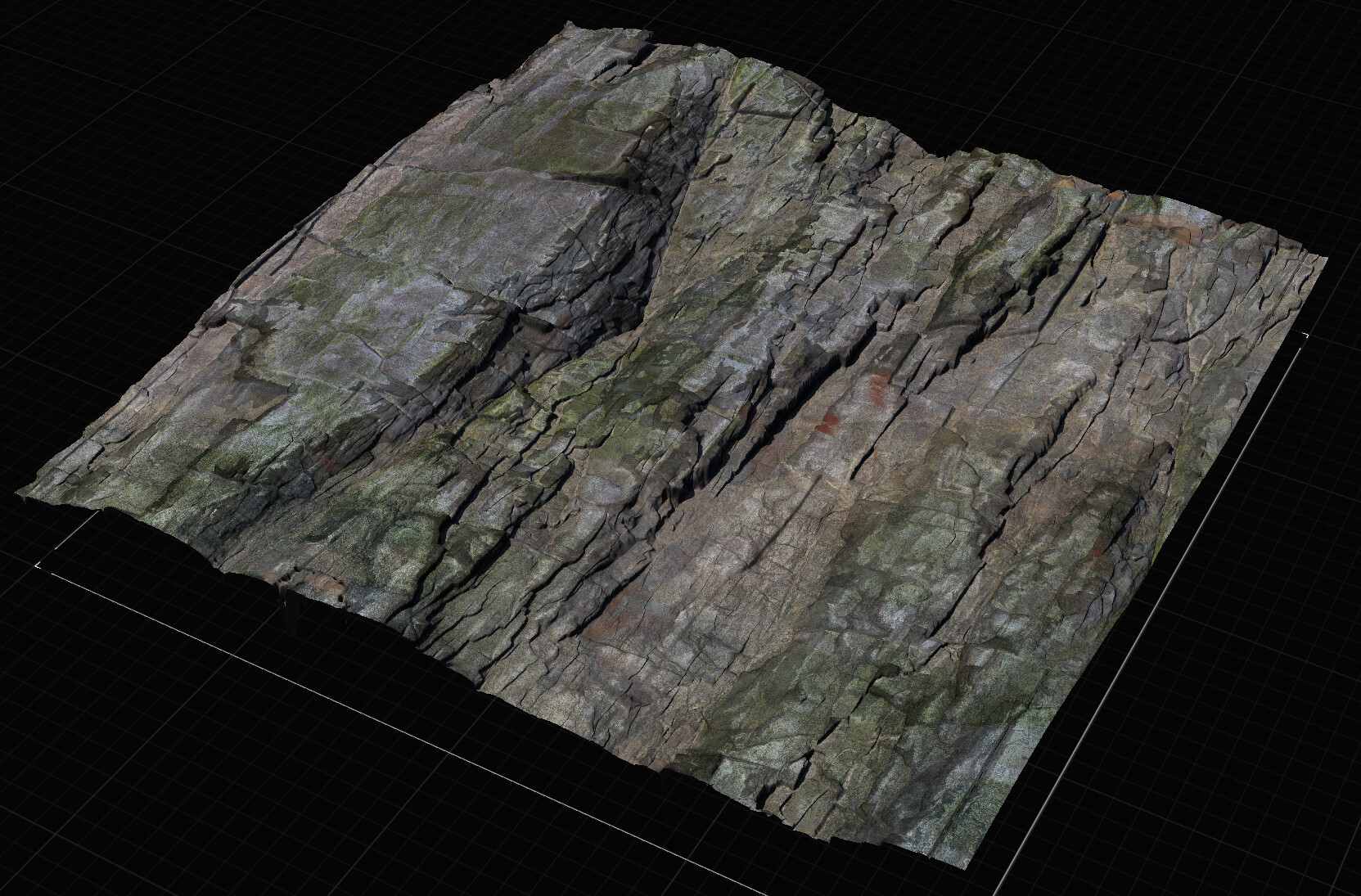
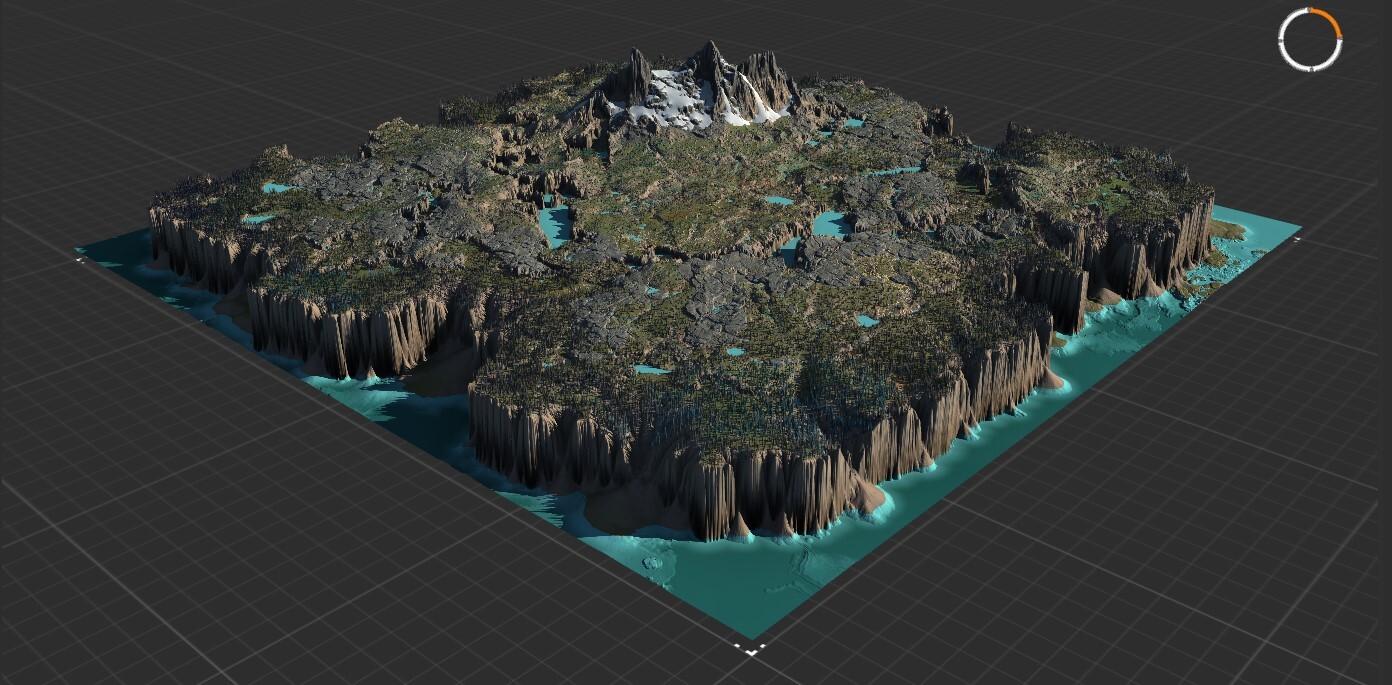
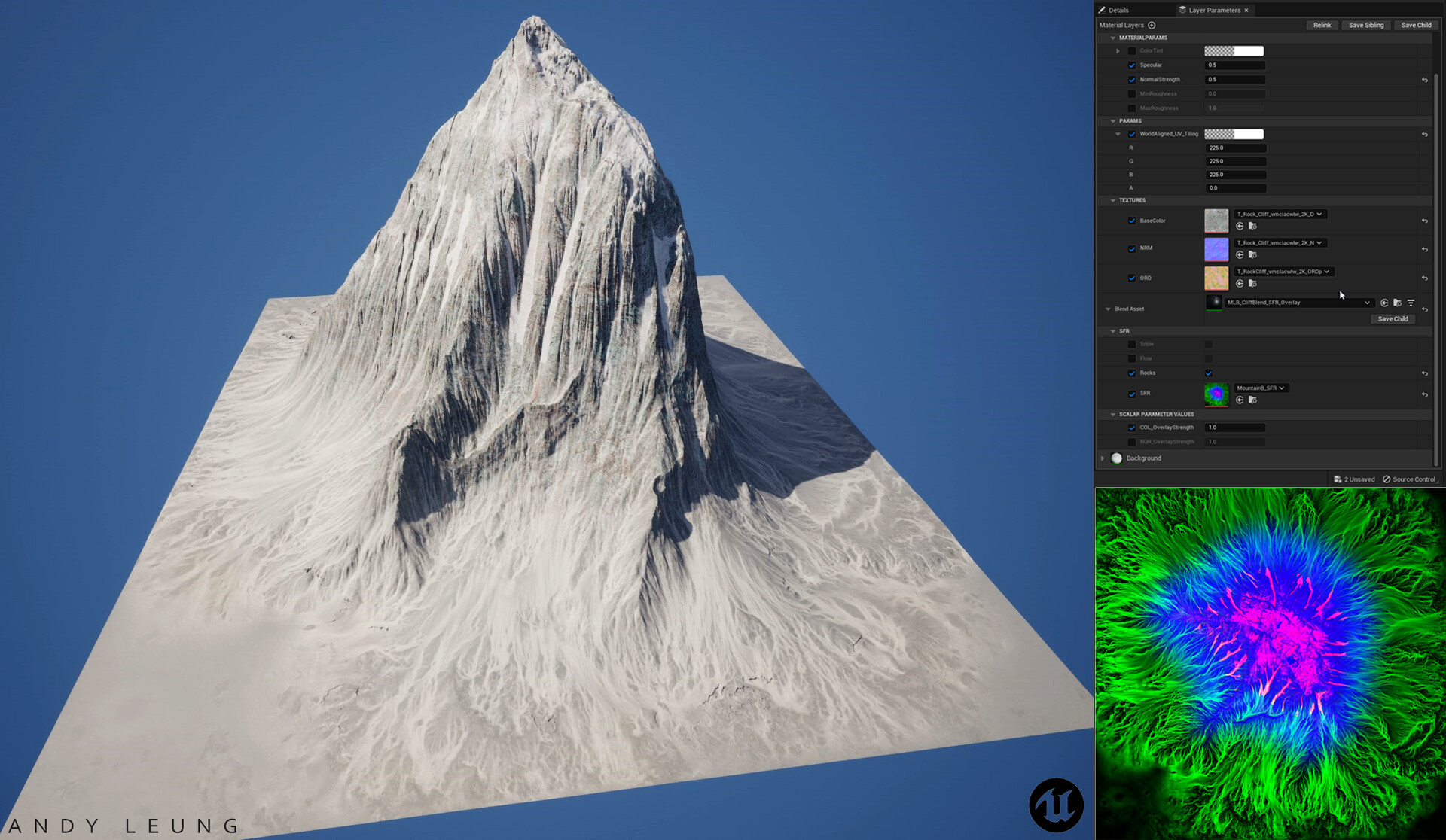
Mountains, canyons, dunes, volcanos — Gaea produces it all from a single text prompt.
Alpine Range
Desert Dunes
Snow Peaks
Canyon Walls
Rocky Ridge
Aerial Valley
Alpine Lake
Volcanic Field
Erosion Flow
Mountain Pass
Alpine Range
Desert Dunes
Snow Peaks
Canyon Walls
Rocky Ridge
Aerial Valley
Alpine Lake
Volcanic Field
Erosion Flow
Mountain Pass
Deep Valley
Canyon Aerial
Tundra Plain
River Cut
Blizzard Ridge
Forest Slope
Sediment Layer
Thermal Shaper
Heightmap Export
Landscape Cook
Deep Valley
Canyon Aerial
Tundra Plain
River Cut
Blizzard Ridge
Forest Slope
Sediment Layer
Thermal Shaper
Heightmap Export
Landscape CookHaybaGaea sits between your AI assistant and Gaea. It speaks MCP to Claude and writes .terrain files that Gaea auto-reloads — no proprietary protocol reverse-engineering required.
In Claude Desktop: "Build me a snowy mountain range with heavy erosion and deep valleys." No JSON, no node names to memorize.
Claude calls list_node_types() to see available nodes, then decides which to add and how to wire them — Mountain → Erosion → FractalTerraces → Autolevel.
Each add_node() call writes to the .terrain JSON on disk. Gaea's file watcher detects the change and reloads the graph in real-time.
cook_graph() runs headlessly, waits for the build, and returns the heightmap path. Import directly into Unreal Engine as a Landscape.
Gaea opens alongside Claude Desktop. Every node appears instantly. Tweak parameters mid-conversation. Edit manually in Gaea and Claude picks up your changes automatically.
Gaea never opens. One call generates the graph, runs the build silently, and returns a heightmap path. Ideal for rapid iteration, automation, and CI pipelines.
Clone the repo or download the ZIP from GitHub.
Requires Gaea 2.0+ and Node.js 20+
Auto-detects your OS, Gaea installation, and installed MCP clients, then patches the right config file.
Note: Gaea is Windows-only. On macOS, you'll use headless mode.
Note: Gaea is Windows-only. On Linux, headless mode only.
Restart Claude Desktop. HaybaGaea is now available as a set of tools. Start with:
Prefer to configure manually? Here's the full config.
swarmhost.config.json
claude_desktop_config.json
path?.terrain or create a blank one. Launches Gaea.exe. Call this first.type, id, params?, position?from_id, from_port, to_id, to_portidnodeId, param, valuenodes?nodeIdprompt?, template?, graph?, outputDir?, resolution?category?Describe a terrain in natural language. Claude opens Gaea, adds nodes one by one, and you watch the graph assemble in real-time.
Open any existing .terrain file. Claude reads the current graph and modifies nodes without touching anything you didn't ask about.
Change erosion strength, seed, scale — one sentence. The file updates atomically and Gaea reloads in under a second.
Edit nodes manually inside Gaea and save. gaea_mcp detects the file change automatically. Ask Claude to continue seamlessly.
No session needed. Describe a terrain, get a heightmap on disk. Gaea never opens. Ideal for pipelines and automation.
Four built-in presets — desert, mountains, tropical, volcanic — with tweakable parameters for quick results.
Connect your AI to Gaea's build engine today. Free, open source, MIT licensed.