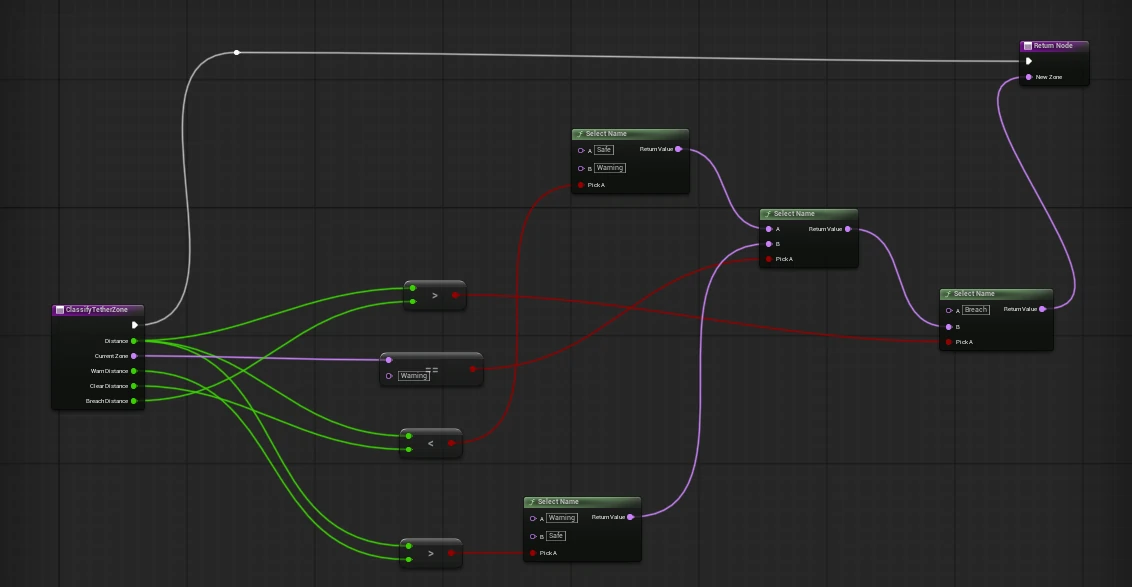
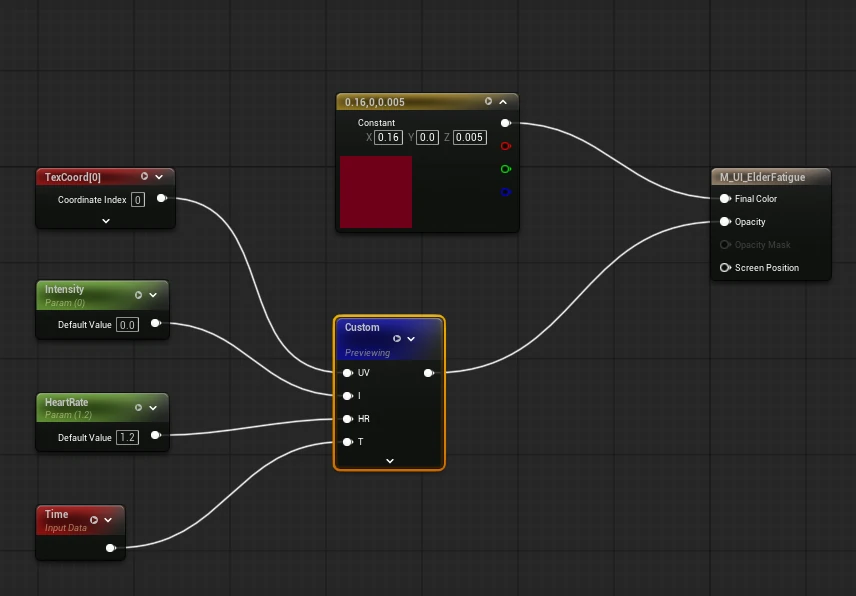
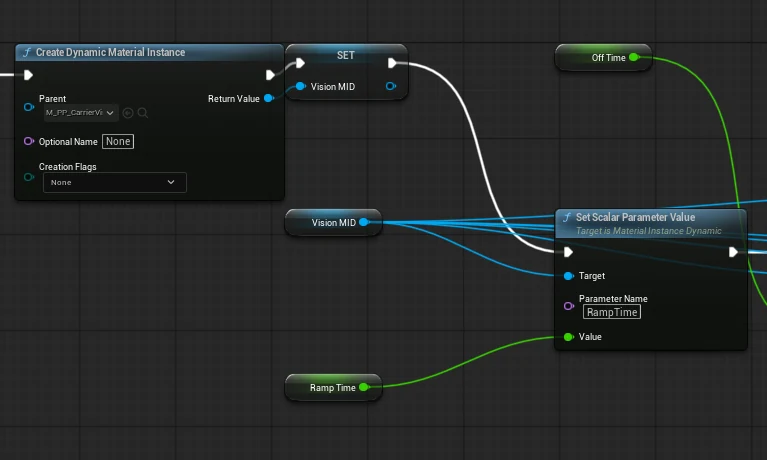
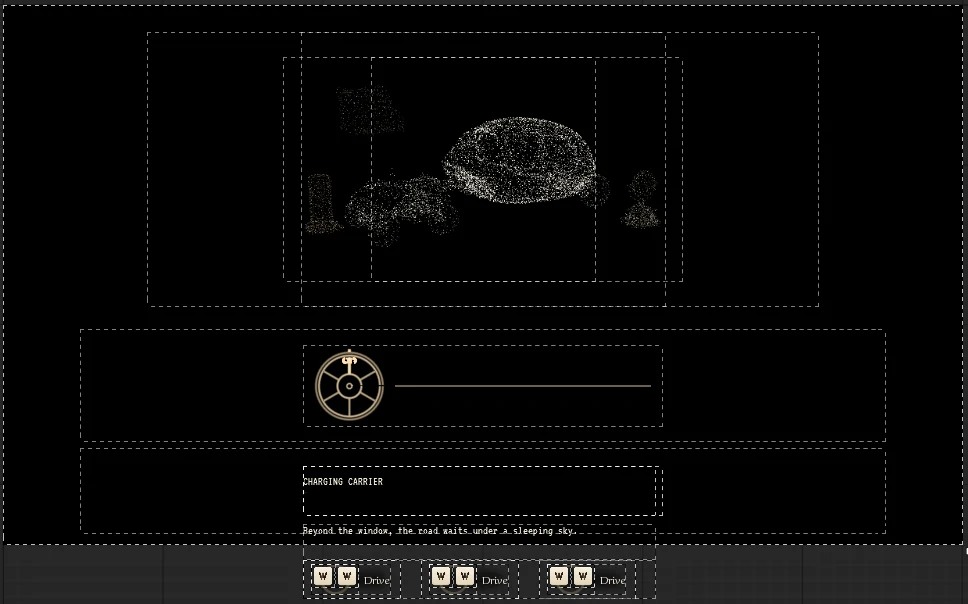
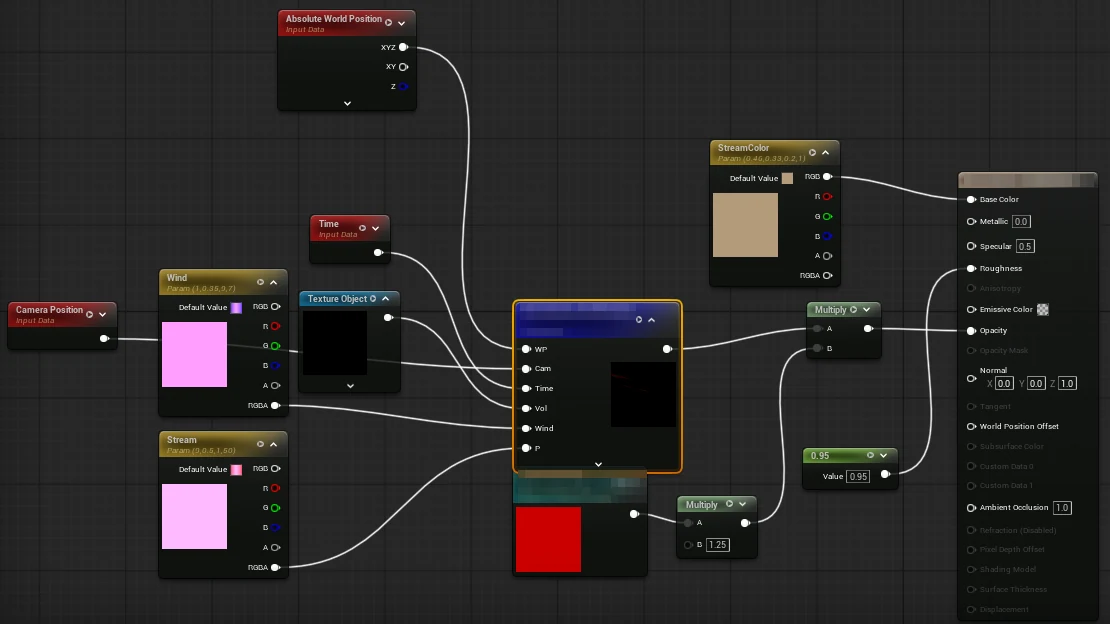
Example graphs built by an agent through Hayba. Open any of them full size.
Example graphs built by an agent through Hayba. Open any of them full size.
400+ editor tools. The agent loads only the ones it needs.
Add nodes, wire pins, compile.
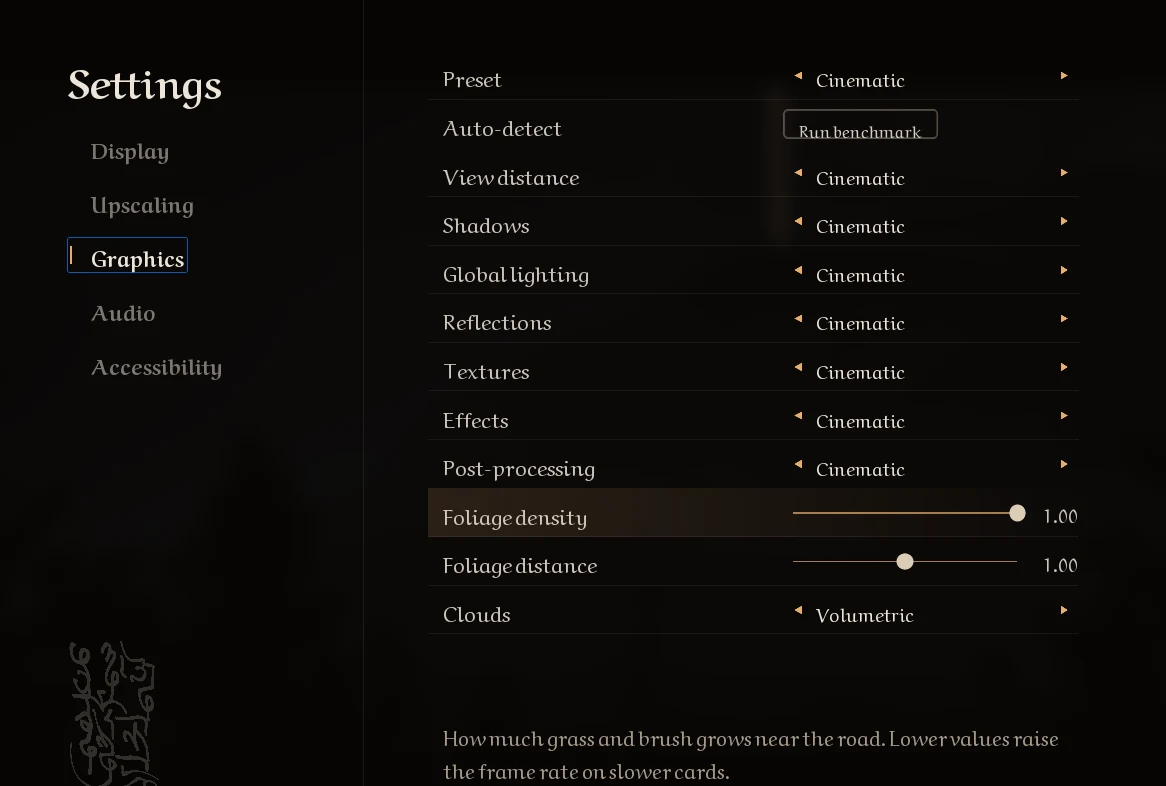
Build, bind, then render to check the layout.
Custom nodes, material functions, masters and instances, kept composable.
Place actors, cook PCG, capture the viewport.
The Blueprints and UI of A Gift for the Unfinished Journey were built by an agent through Hayba. Art and levels made by hand.
The toolkit is free and MIT-licensed, and runs with your own MCP client or API key. Pro puts DeepSeek, image, video and 3D generation inside the editor, with a monthly allowance, plus bulk tools and Vizier.
$0MIT license
$15per month
Or $150 a year, two months free.
$29each
Curated Unreal playbooks for coding agents. Included with Pro.
Coming with launch.
Hayba is in development: expect rough edges and breaking changes, so try it on a copy of your project or under source control. It builds from source. You need Unreal Engine 5.7+, Visual Studio with the C++ toolchain your engine version requires, and Node.js 22.5 or newer. A one-line installer is coming in v0.5.
# Build the MCP server
git clone https://github.com/zajalist/hayba.git
cd hayba
npm install
npm --prefix mcp-tools/hayba-mcp run build

# Link the plugin into your project (run as administrator, or turn on Developer Mode)
cmd /c mklink /D "<YourProject>\Plugins\HaybaMCPToolkit" "$PWD\unreal\HaybaMCPToolkit"

# Register the server with Claude Code
claude mcp add hayba-toolkit -- node "$PWD\mcp-tools\hayba-mcp\dist\index.js"
Then regenerate your project files and compile. The install guide covers copying the plugin instead of linking it, and Claude Desktop.
Not yet. Hayba is in development and open for testing, so expect rough edges and breaking changes between versions. Try it on a copy of your project or under source control, and report what breaks.
Yes. The toolkit is free and MIT-licensed, and runs with your own MCP client or model. Hayba Pro, at $15 a month or $150 a year, puts DeepSeek, image, video and 3D generation inside the editor with a monthly allowance, plus bulk tools and Vizier; join the waitlist for early access.
Mainly, AI inside the editor: DeepSeek, plus image, video and 3D generation, included with a monthly usage allowance, so you need no keys of your own. Pro also adds bulk tools that build whole Blueprints and widgets from one spec, extra Pro-only tools, Vizier (the hosted brain that keeps your agent on the right tools and its token use low), priority support and every skill pack. Pro is in early access soon, and some of it is still being built.
Its gameplay Blueprints and UI widgets were built by an AI agent through Hayba. Some materials were scripted through Hayba's Python bridge. The art, levels and other assets were not.
Not for Hayba itself. Connect your MCP client, such as Claude Code or Claude Desktop, and it uses the model it already has. The optional in-editor chat uses your own API key for cloud models, or a local model (Ollama, LM Studio) with no key. With Pro, models and generation are included, up to a monthly allowance.
Hayba supports Unreal Engine 5.7+ on Windows; macOS and Linux are not supported yet. The MCP server is Node/TypeScript (Node.js 22.5 or newer) and the editor plugin is C++; building it needs Visual Studio with the C++ toolchain your Unreal Engine version requires. There is no packaged installer yet: you build from source.
Hayba's source code is MIT-licensed, which permits commercial use under the terms of the MIT license. Unreal Engine's own license still applies to your project.